
Want to make your own social media wall? The easiest way is to use Social Walls by Taggbox to collect social media content from platforms such as Instagram, Facebook, and X, moderate the posts, customize the display, and publish the wall on event screens, TVs, LED displays, or digital signage. You do not need to build a social wall from scratch with code.
A social media wall brings posts from different social networks into one live display. It can be used at events, offices, stores, exhibitions, and other public spaces to showcase fresh social content in one place.
What Do You Need to Create a Social Media Wall?
Before you start, decide:
- Which social platforms you want to display
- Where you want to show the wall
- Whether you want to use hashtags, handles, mentions, or specific accounts
- What type of content you want to feature
- How you want the wall to look
For an event social wall, you can collect attendee posts using an event hashtag wall. For a website, you may want to display content from your brand’s social accounts.
How to Make Your Own Social Media Wall
1. Choose a Social Wall Tool
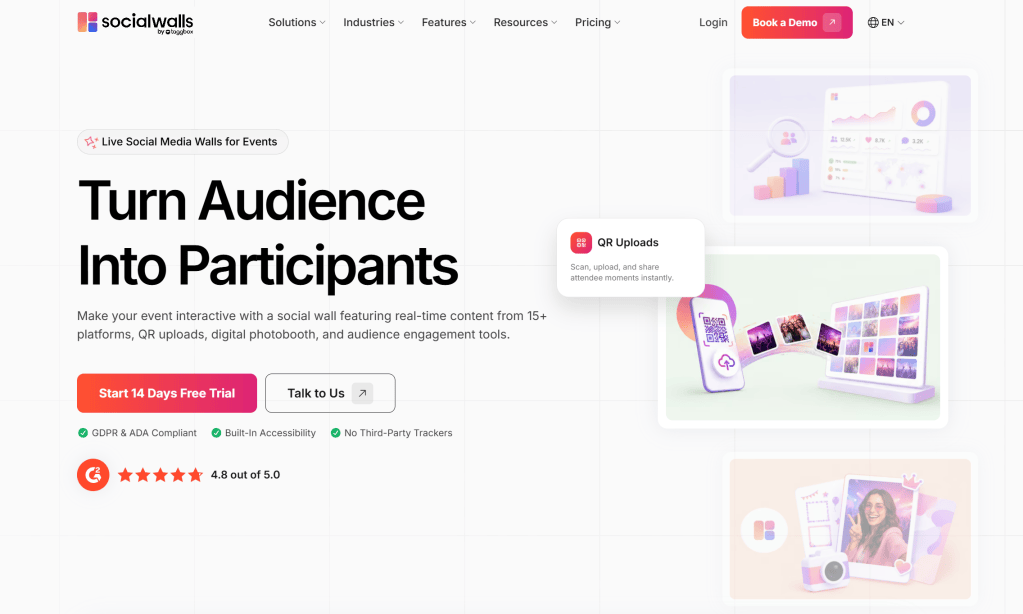
Start with a social wall platform that supports the social networks and content sources you need.
Social Walls by Taggbox is one option for collecting social content and displaying it in a customized wall. When choosing a tool, look for features such as content aggregation, customization, moderation, responsive layouts, and real-time updates.
2. Connect Your Social Media Accounts
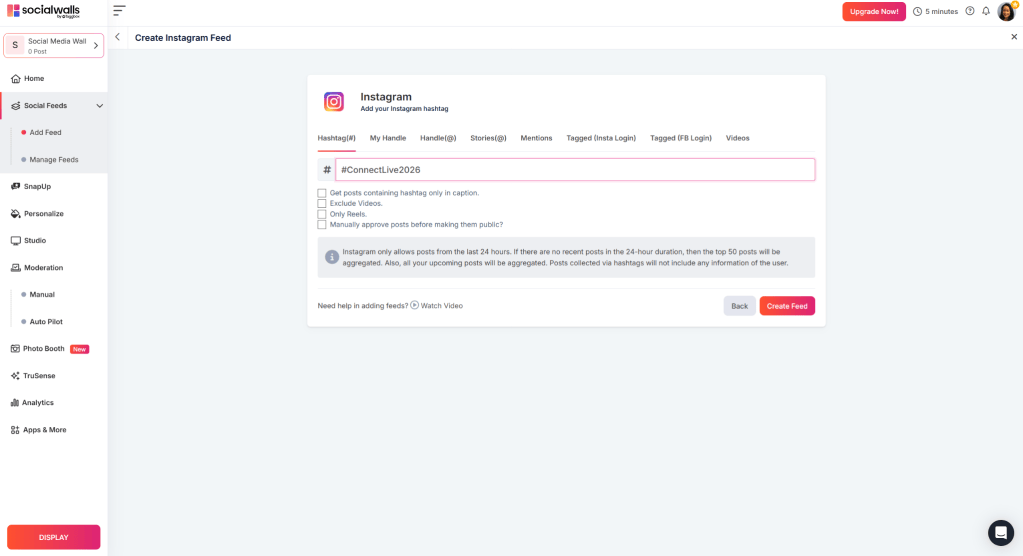
Connect the social profiles or content sources you want to use.
Depending on the tool, you may be able to collect content through hashtags, usernames, pages, mentions, or other supported sources.
3. Select the Content
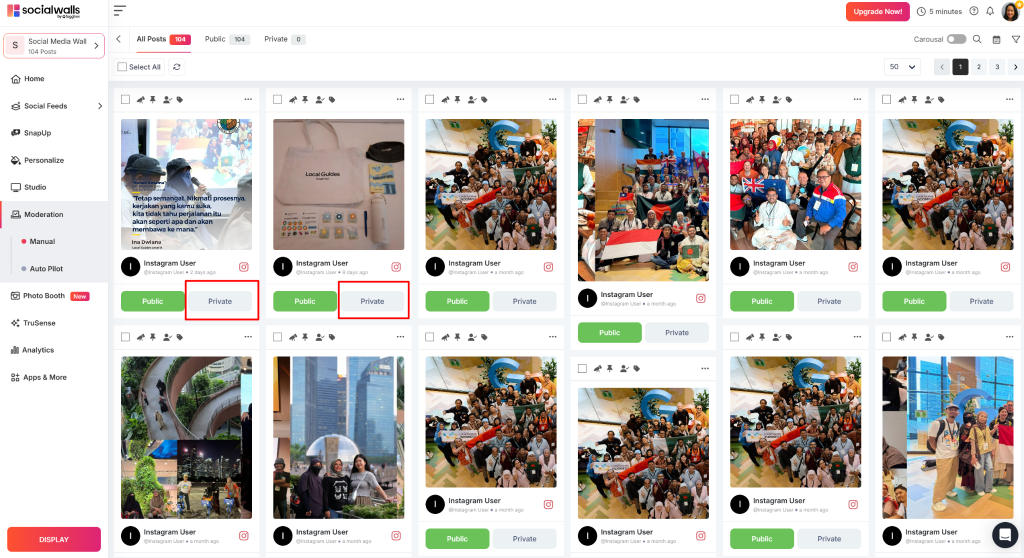
Once your sources are connected, choose which posts should appear on your social media wall.
You can use moderation to review posts before they go live. This is especially useful for social walls for events, where content can come from many attendees.
4. Customize the Wall
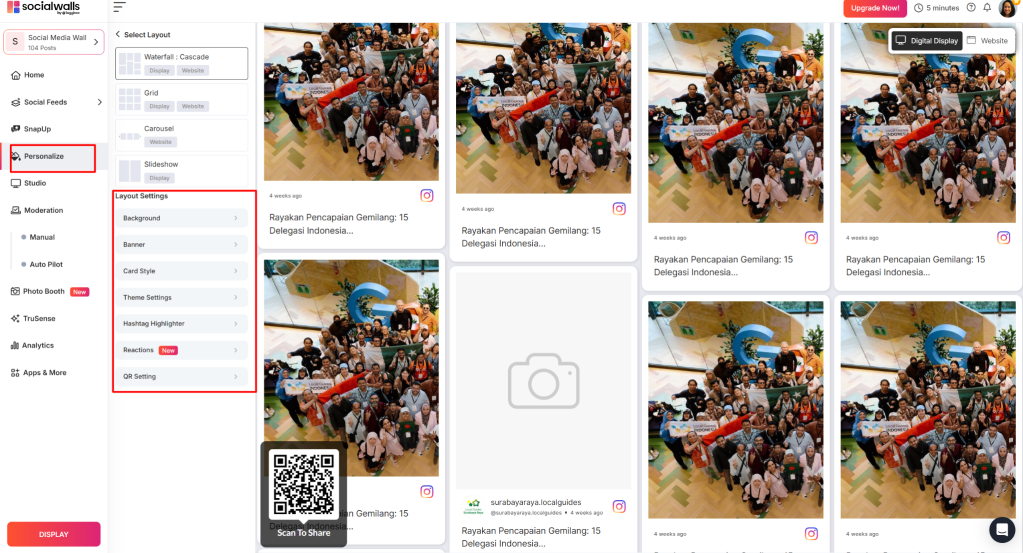
Match the wall with your brand or event.
You can usually adjust:
- Layout
- Colors
- Fonts
- Spacing
- Background
- Post style
- Branding elements
A clean design makes the content easier to see, especially on large screens.
5. Display Your Social Wall
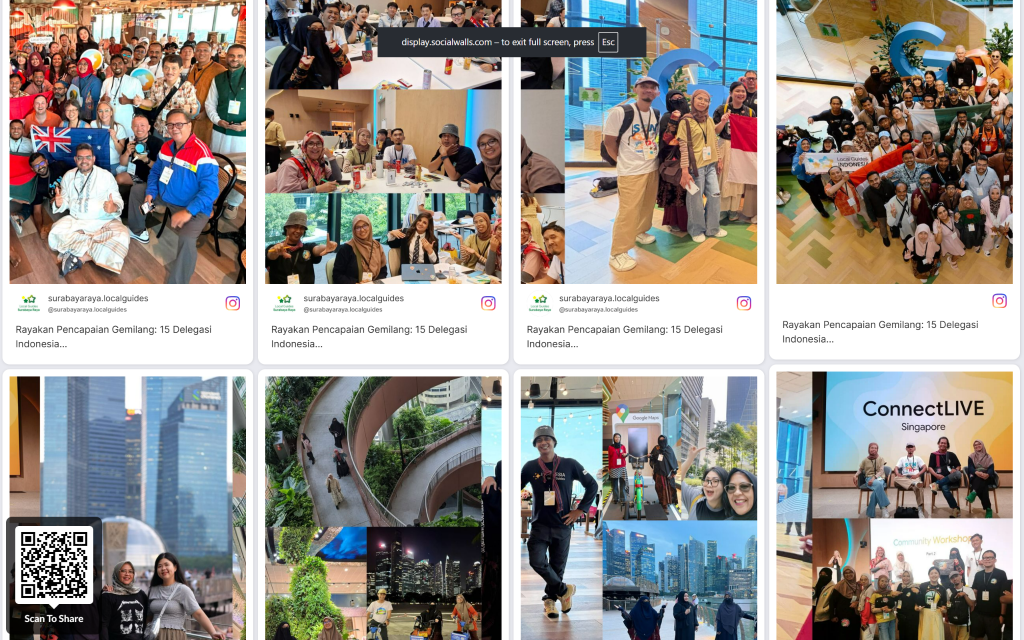
Once everything looks right, publish your wall where your audience can see it.
You can display a live social media wall on:
- Event screens
- LED displays
- Digital signage
- Websites
- Trade show booths
- Retail spaces
- Office screens
Why Use a Social Media Wall?
A social media wall turns scattered social posts into one shared display. At events, it gives attendees a simple way to see and interact with content being created around them.
For brands, it can also bring social content into physical spaces and websites instead of keeping it limited to individual social platforms.
Final Thoughts
Making your own social media wall does not require building one from scratch. With Social Walls by Taggbox, you can create a wall, connect your social media sources, collect and moderate posts, customize the design, and display the content for your audience.
For events, a social wall for events can bring attendee posts, hashtags, photos, and conversations together on one live display.


Leave a comment