Conferences are no longer just about keynote sessions, presentations, and networking. Attendees now expect opportunities to participate, share content, and connect with the event beyond the stage.
AI-powered social wall tools help conference organizers bring this activity into the venue by collecting social media posts, photos, videos, and attendee-generated content and displaying them in real time. With AI moderation and smart content filtering, organizers can keep the feed relevant while creating a more engaging event environment.
In this guide, we’ll explore some of the top AI-powered social wall tools for conferences and the features you should consider when choosing one.
What Is an AI-Powered Social Wall?
An AI-powered social wall collects content from social networks and displays selected posts in a centralized feed. Instead of manually monitoring multiple platforms, organizers can use automation and AI to curate, moderate, and organize content before it appears on event screens.
A social media display can show attendee posts, event photos, speaker mentions, sponsor content, branded posts, and other user-generated content throughout the conference.
AI makes these platforms particularly useful for large conferences because hundreds or thousands of posts can be generated during a single event. Automated moderation helps identify unsuitable content, while smart filtering makes it easier to surface the posts that matter most.
What to Look for in a Conference Social Wall Tool
Not every social wall platform offers the same capabilities. Before selecting a tool, consider these important features:
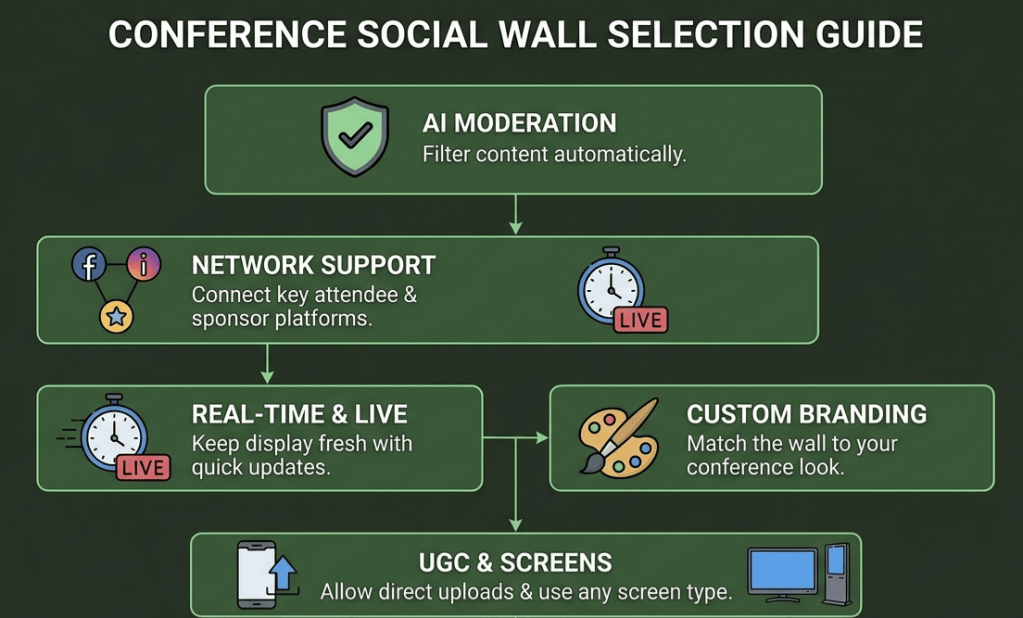
AI-Powered Content Moderation
AI moderation can automatically identify inappropriate, irrelevant, or unwanted content before it reaches your event screens.
This is especially important for conferences where content can come from a large number of attendees.
Multiple Social Media Sources
Choose a platform that supports the networks your attendees and event sponsors actually use. Connecting multiple sources allows you to bring content from different platforms into one event feed.
Real-Time Updates
A conference social wall should update quickly as new content is published. Real-time updates keep the display fresh and encourage attendees to participate throughout the event.
Custom Branding
Look for options to customize colors, layouts, backgrounds, fonts, and other visual elements. Your social wall should feel like part of the conference rather than a separate third-party display.
UGC Collection
Some platforms allow attendees to submit photos and videos directly through QR codes or upload tools. This is useful when you want to collect event content even from people who don’t post publicly on social media.
Analytics
Event analytics can help organizers understand how much content was generated and how attendees interacted with the social wall.
Screen and Digital Signage Support
The platform should work with the screens and devices you plan to use at the conference, including TVs, LED screens, projectors, video walls, and digital signage systems.
Top AI Social Wall Tools for Conferences
1. Social Walls

Social Walls is an event-focused social wall platform designed to collect and display social media content and user-generated content at live events.
Its features include AI-powered moderation, real-time social feeds, content aggregation, event displays, and tools for collecting attendee-generated content.
Conference organizers can use it to showcase attendee posts, sponsor content, event photos, and live conversations across venue screens.
Key features:
- AI-powered content moderation
- Real-time social media feeds
- UGC collection
- QR-code content uploads
- Custom event themes
- Live polls and Q&A
- Leaderboards
- Event analytics
- Digital signage support
Best for: Conferences, trade shows, corporate events, and large-scale live experiences.
2. Everwall
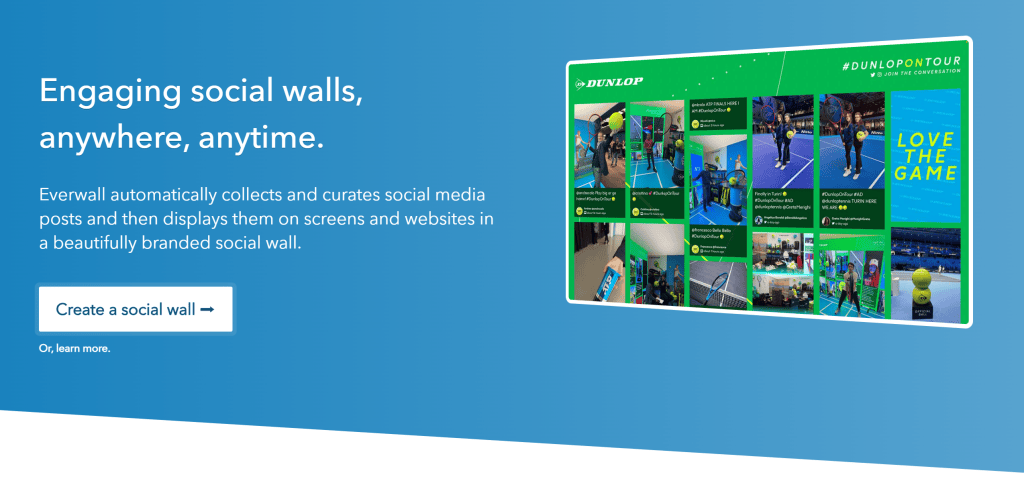
Everwall is designed specifically for displaying social media content and live audience interactions on large screens.
It provides moderation controls that help event organizers manage high volumes of social content during conferences and other live events.
Key features:
- Real-time social feeds
- Moderation
- Custom branding
- Event displays
- Social media monitoring
- Audience engagement features
Best for: Conferences, live events, and organizations handling high volumes of attendee posts.
3. Taggbox
Taggbox provides social media aggregation and UGC solutions that can be used to collect and display social content across any type of website.
Its moderation and customization features allow brands to control which content appears in their event feeds.
Key features:
- Social media aggregation
- UGC collection
- Content moderation
- Customizable widgets
- Shoppable Widgets
- Analytics
Best for: Conferences and brands looking to combine social content with broader UGC campaigns.
4. Flockler
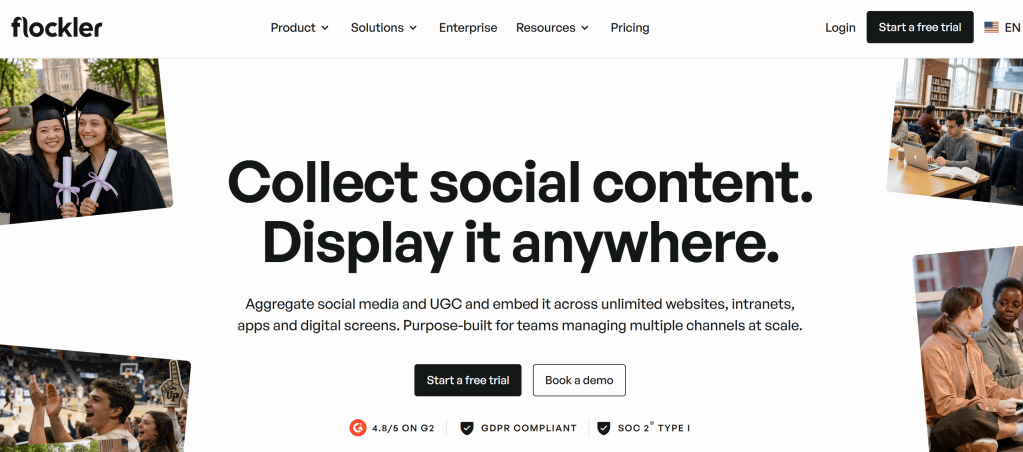
Flockler allows organizations to collect content from social media channels and display it across websites, screens, and digital signage.
Its content management capabilities make it useful for organizations that need to manage social content across multiple locations.
Key features:
- Social media feeds
- Digital signage
- Content moderation
- Custom layouts
- Multiple content sources
- Screen displays
Best for: Conferences and organizations managing content across multiple digital screens.
5. Onstipe
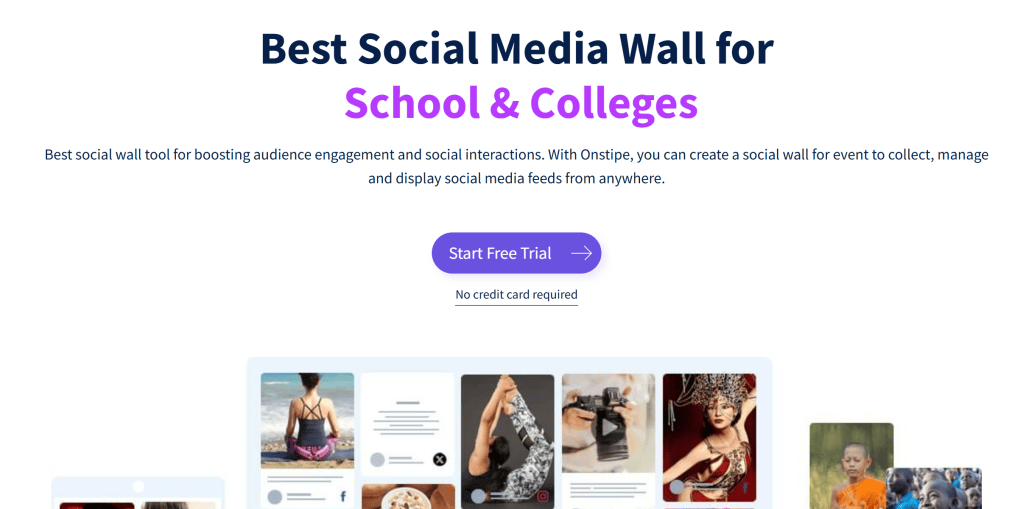
Onstipe is a social media aggregation platform that enables brands and event organizers to collect and display content from different social networks.
It provides customizable layouts and moderation features for creating branded social walls.
Key features:
- Social media aggregation
- Real-time content
- Moderation
- Custom designs
- Social media widgets
- Digital displays
Best for: Events, conferences, exhibitions, and marketing campaigns.
How AI Improves Social Walls at Conferences
AI can make social walls easier to manage when an event generates a high volume of content.
Instead of requiring an organizer to review every post manually, AI can help identify potentially inappropriate content and filter posts according to predefined rules.
AI can also support content curation by helping organizers surface relevant posts, manage large content volumes, and keep the display focused on the event.
For a large conference, this can significantly reduce the amount of manual monitoring required.
How to Use a Social Wall During a Conference
A social wall can be integrated into different parts of the conference experience.
Display Attendee Posts
Encourage attendees to share their conference experiences and feature approved posts on screens around the venue.
Highlight Speakers
Show posts mentioning keynote speakers, panelists, or sessions to keep conversations visible beyond the stage.
Showcase Sponsors
Display approved sponsor mentions and branded content to give sponsors additional visibility during the event.
Encourage Participation
Promote a campaign hashtag or QR-code upload option and invite attendees to contribute photos and videos.
Create Networking Opportunities
Show attendee-generated content throughout the venue to give participants conversation starters and encourage interaction.
Run Live Engagement Activities
Combine the social wall with polls, Q&A sessions, quizzes, leaderboards, or other audience engagement features.
How to Choose the Right AI Social Wall Tool
The best tool depends on the size and requirements of your conference.
For a small conference, basic social aggregation and moderation may be enough.
For a large-scale event, look for a platform that offers AI moderation, multiple content sources, real-time updates, UGC collection, analytics, and support for multiple screens.
Also consider how easy the platform is to set up. Event teams often have limited time before an event, so a complicated technical setup can create unnecessary problems.
Final Thoughts
AI-powered social wall tools can turn attendee-generated content into an important part of the conference experience. They allow organizers to collect social posts, photos, videos, and other content while using automation to keep displays relevant and brand-safe.
When comparing platforms, don’t focus only on social media integrations. Consider AI moderation, real-time updates, UGC collection, customization, analytics, audience engagement features, and digital signage compatibility.
The right social wall can help transform conference screens from passive displays into a live reflection of what’s happening across the event.


Leave a Reply